Smart Video IP Phones: Upgrading Pakistani Offices for 2026
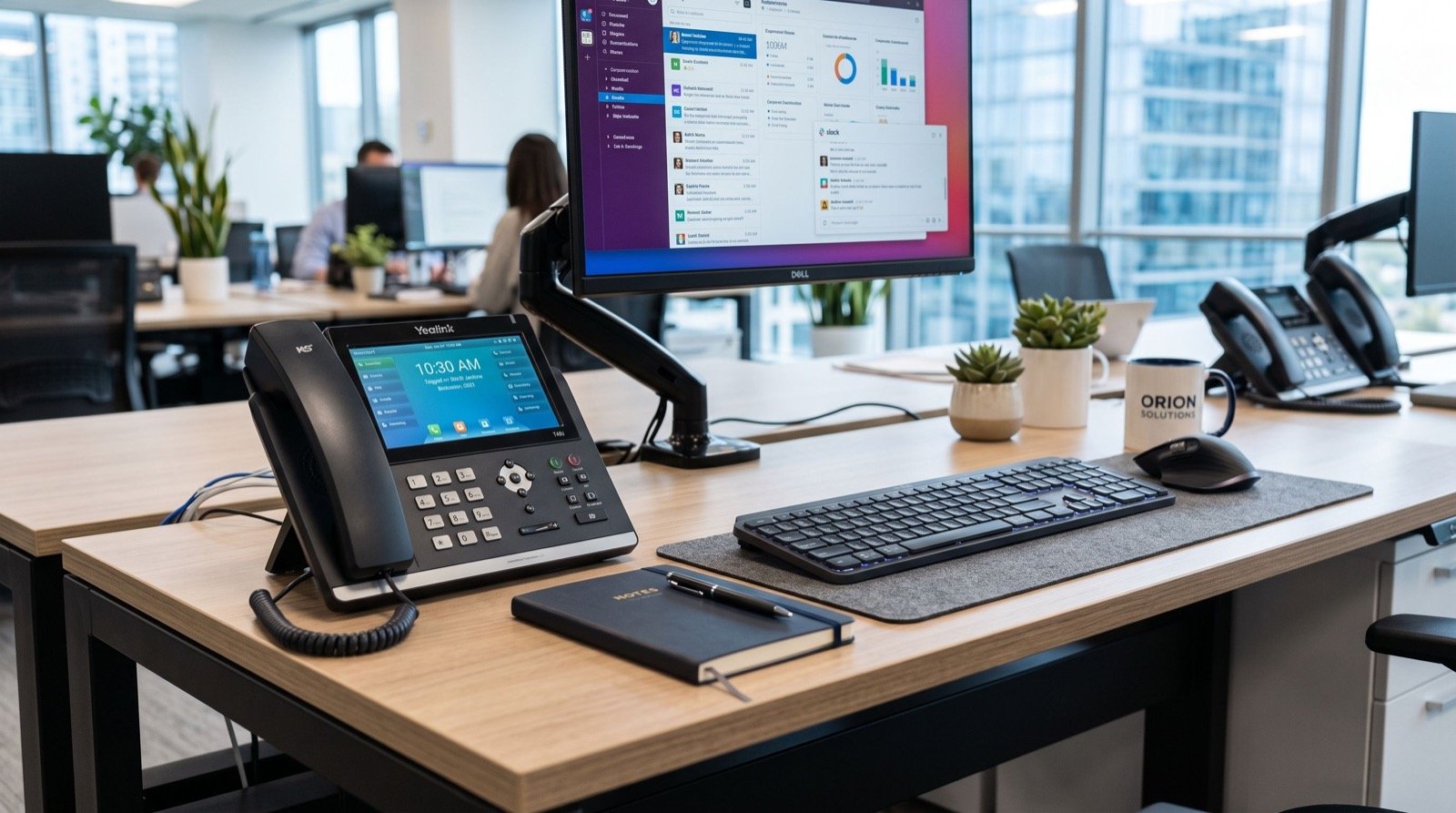
Video calls used to mean propping a laptop on a stack of books and hoping the Wi-Fi held. In 2026, a growing number of Pakistani offices are replacing that habit with a dedicated smart video IP phone — a desk device that handles voice, video, and screen sharing with the reliability of a traditional phone and the capability of a conferencing app, without the laptop balancing act.
This piece looks at why video-first communication is spreading through offices here, what actually separates a smart video phone from a webcam setup, and who benefits most from making the switch.
The Rise of Video-First Communication in Pakistani Offices
Client meetings, supplier calls, and internal check-ins increasingly happen over video rather than audio alone. Decision-makers want to see body language and shared documents, not just hear a voice. At the same time, Pakistan’s digital infrastructure push — including expanded fibre rollouts tracked by the Pakistan Telecommunication Authority — has made consistent video calling realistic for far more offices than it was even three or four years ago.
Browsing the full Fanvil IP Phones in Pakistan lineup makes it clear this shift isn’t a one-off gadget trend; manufacturers are now building video capability directly into mainstream business desk phones rather than treating it as a separate conferencing category.
What Is a Smart Video IP Phone, Exactly?
At its core, a smart video IP phone is a SIP-based desk device with a built-in camera and touchscreen, capable of running both standard calls and video sessions without any external hardware. Typical capabilities include:
- A built-in HD or Full HD camera with a privacy shutter or cover.
- A touchscreen interface for contacts, call history, and app-style navigation.
- Support for standard video calling protocols so it interoperates with other SIP video endpoints.
- Android-based or similar operating systems that allow extra apps, such as a calendar or company directory.
- Dual-purpose use as a normal audio phone when video isn’t needed.
The Fanvil V67 Flagship Smart Video Phone is a clear example of this category — a flagship-level device built to handle both everyday voice calls and full video sessions from a single desk unit, aimed at offices that want video readiness without juggling separate hardware.
Why Choose a Video Phone Over a Laptop for Calls?
This is the question most office managers ask before approving the budget. A dedicated video phone solves several laptop-related annoyances at once: it doesn’t tie up the employee’s main work machine, it doesn’t need an app to be opened and configured before every call, and it typically offers a wider camera angle and better microphone placement than a laptop balanced at an awkward angle.
There’s also a reliability angle. A desk video phone is a single-purpose device, so it isn’t competing for CPU and bandwidth with ten open browser tabs the way a laptop often is during a video call.
Smart Video Phone vs Laptop Video Call vs Standard Audio Phone
| Factor | Smart Video IP Phone | Laptop Video Call | Standard Audio IP Phone |
|---|---|---|---|
| Dedicated hardware | Yes — purpose-built | No — shared with work tasks | Yes, audio only |
| Setup time per call | Low — always on and ready | Higher — open app, adjust camera | Low |
| Video quality | Consistent, fixed camera position | Variable, depends on angle/lighting | Not applicable |
| Best for | Daily video-first teams, reception desks | Occasional ad-hoc video needs | Standard phone-first roles |
Who Benefits Most from Smart Video Phones?
- Client-facing teams who want a more personal connection than a voice-only call.
- Reception and front-desk staff handling visitor check-ins via video intercom-style calls.
- Remote managers who run daily video check-ins with on-site staff.
- Training and HR departments conducting interviews or onboarding sessions.
- Healthcare and consulting offices that need a dependable, dedicated video line for sensitive conversations.
Planning the Switch Without Disrupting Daily Operations
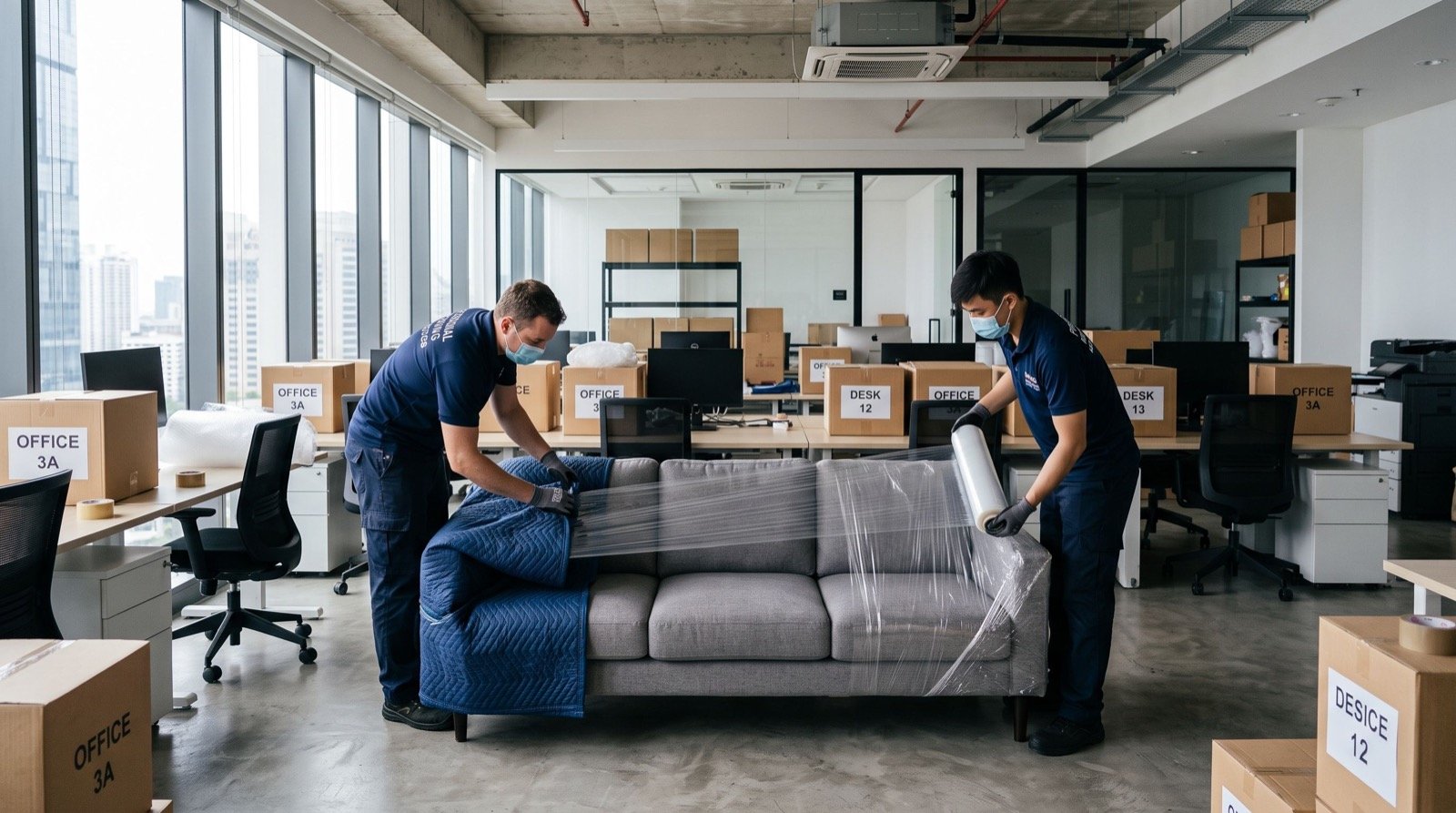
Rolling out video phones works best in phases — start with client-facing desks, confirm bandwidth holds up, then expand floor by floor. Offices going through a broader refresh, including a physical relocation, often tackle both at once; working with dependable specialists for the move itself means the new office’s network and video phones can be configured calmly before the first client call is ever placed from the new space.
How to Budget and Roll Out Smart Video Phones
Before approving a wider purchase, most office managers want a realistic sense of both cost and rollout effort. Smart video phones sit at the higher end of the desk phone category, but the cost comparison looks different once you account for what they replace.
- Hardware cost — higher per unit than a basic audio phone, but still lower than buying a separate webcam, speaker, and conferencing license for each desk.
- Bandwidth planning — budget for slightly higher per-call bandwidth than audio-only lines, especially if several video calls may run at once.
- Training time — minimal, since most staff already understand touchscreen interfaces from smartphones.
- Pilot phase — start with five to ten client-facing desks, measure call quality and staff feedback, then expand.
- Full rollout — once the pilot proves stable, extend to additional departments in planned phases rather than all at once.
Running a short pilot before a full office-wide purchase also gives IT teams a chance to fine-tune network settings, confirm firmware is current, and build internal documentation that makes the larger rollout faster and less error-prone.
Frequently Asked Questions
Do smart video IP phones need special internet bandwidth?
They need more bandwidth than audio-only calls, but a standard business broadband or fibre connection in most urban Pakistani offices is sufficient for a handful of simultaneous video calls without noticeable lag.
Can a smart video phone also work as a normal desk phone?
Yes. Video capability is an added feature, not a replacement — the device still handles standard voice calls, hold, transfer, and voicemail exactly like a regular business IP phone.
Is a dedicated video phone more secure than video calling on a laptop?
It can be, since a single-purpose device has a smaller attack surface than a general laptop running many applications. Keeping firmware updated and the device on a segmented network further reduces risk.
Are smart video phones difficult for non-technical staff to use?
Generally not. Most use a touchscreen interface similar to a smartphone, and the learning curve for day-to-day calling is short compared with configuring a conferencing app each time.
Conclusion
As Pakistani offices lean further into video-first communication, a dedicated smart video IP phone offers a steadier, more professional alternative to balancing laptops for every client call. For teams that rely on visual communication daily, moving that workload onto purpose-built hardware in 2026 is a small change that removes a surprising amount of daily friction.